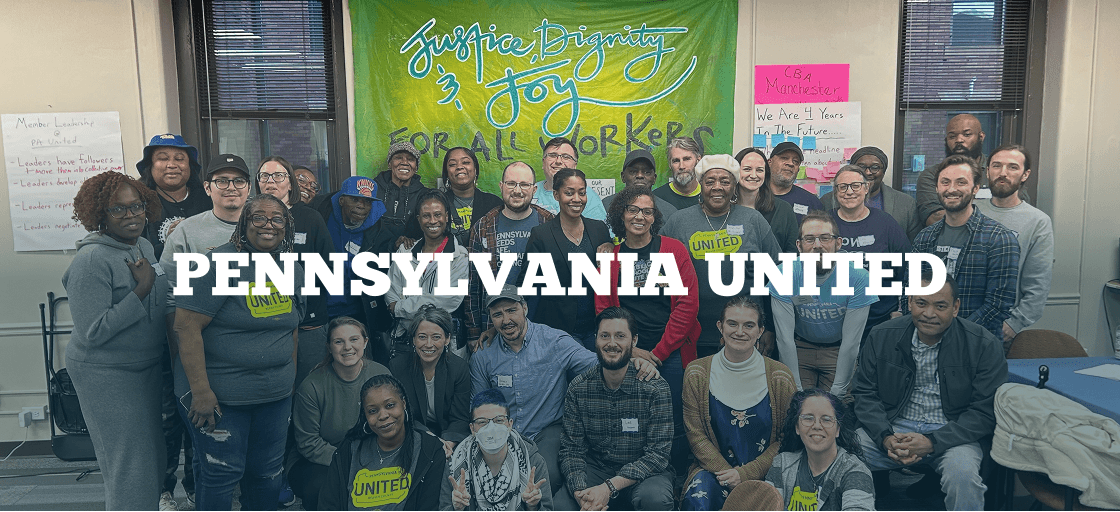
Penn United

Penn United

Categories

Product Design

Client

Penn United

Project

Website Redesign

Services

UX/UI Design

Year

2025

Revamping a nonprofit’s digital presence to create a more accessible, user-friendly experience for community organizing across Western Pennsylvania.

Background

Penn United is a nonprofit organization dedicated to uniting communities of color and white working-class people across Western Pennsylvania to build collective political and social power. Their work focuses on grassroots organizing, leadership development, and civic engagement to support local campaigns and strengthen democratic participation.


Project Context

At the start of the project, Penn United’s web presence did not effectively support their mission. The existing site was difficult to navigate, visually outdated, and overwhelming for first-time visitors. Key information about the organization’s mission, campaigns, and ways to get involved was not clearly surfaced, limiting user engagement and action.

Project Goal

The goal of this project was to completely redesign Penn United’s website into a more user-friendly, accessible, and intuitive experience that clearly communicates their mission and makes it easy for users to engage—whether by learning about campaigns, joining as a member, or taking action.


My Role

I served as the UX/UI Designer, leading the end-to-end design process over three months. My responsibilities included user research, information architecture, wireframing, visual design, and close collaboration with Penn United stakeholders to ensure the final website aligned with both user needs and organizational goals.

The Challenge

Penn United needed a website that could clearly communicate a complex, mission-driven message to a broad and diverse audience—including communities of color, white working-class individuals, organizers, and first-time visitors—while encouraging meaningful action.

A major challenge was making it easier for users to find and navigate to their local chapters, which are central to Penn United’s organizing work. Users often struggled to locate regional information, making it harder to connect with local organizers or participate in nearby campaigns.

The redesign needed to:

  • clearly communicate Penn United’s mission and values,

  • reduce cognitive overload caused by dense content and unclear navigation,

  • provide intuitive access to local chapters and regional content,

  • support key user actions such as learning about campaigns, becoming a member, and taking action,

  • remain accessible for users with varying levels of digital literacy.

These challenges were addressed within the constraints typical of a nonprofit organization, including limited resources and frequently evolving content needs

Research Approach

To better understand the nonprofit’s needs and user challenges, we conducted stakeholder-led discovery and a content-focused audit of the existing website. Given the context and timeline, research emphasized understanding organizational goals, content structure, and known user pain points—particularly around navigation, local engagement, and access to community resources.

Methods Used

  • Stakeholder conversations with nonprofit staff and organizers

  • Review of existing site structure and navigation

  • Content audit of key pages (community resources, business directory, events, calls to action)

  • Identification of high-priority user tasks and pathways

Key Insights

Through this discovery process, several recurring themes emerged:

1. Users struggled to find community resources
Community resources and local businesses were central to the nonprofit’s mission, yet information was buried or difficult to access. Users often had to click through multiple pages before finding relevant content, creating friction for those trying to engage locally.

2. Content-heavy pages caused cognitive overload
Important information was presented in long blocks of text with limited hierarchy, making it difficult—especially for first-time visitors—to quickly understand the organization’s mission or identify next steps.

3. Calls to action lacked clarity and prioritization
Actions such as joining events, accessing resources, or connecting with local businesses were present but inconsistently labeled and not clearly surfaced across the site.

4. Navigation did not reflect user mental models
The site’s existing structure relied on internal terminology rather than the way users think about the organization. This made it harder to intuitively explore community resources, business listings, or ways to engage.

Style Guide

To support clarity, consistency, and approachability across the site, a visual style guide was created to reinforce hierarchy, usability, and a sense of guided exploration. Design decisions were informed by research insights around content density, navigation clarity, and the need to make information feel accessible rather than overwhelming.
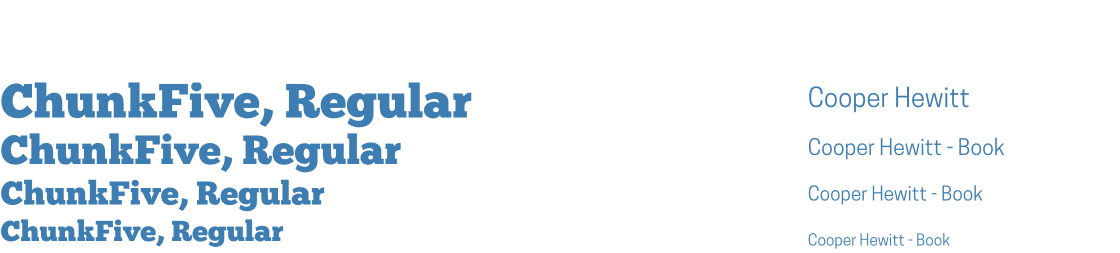
Typography

A clear typographic hierarchy improves scannability across content-heavy pages. Headings guide users through information step-by-step, while body text remains highly legible to support learning and comprehension.
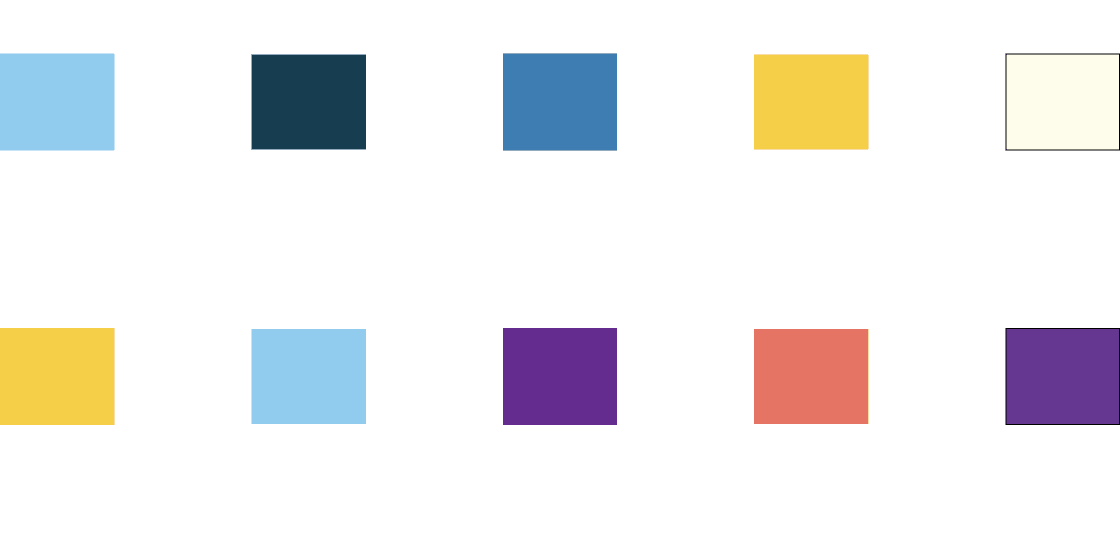
Color System

The color palette balances neutrality and contrast. Softer background tones reduce visual fatigue, while accent colors are reserved for calls to action and key interactive elements, helping users quickly identify next steps.
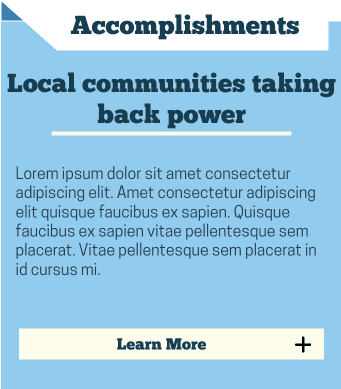
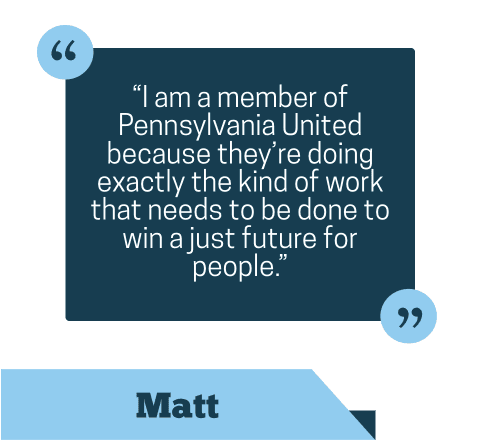
Folder-Inspired UI Components

Buttons and card components were intentionally designed to resemble folders. This metaphor draws from familiar organizational systems, subtly reinforcing the idea of exploring, opening, and learning as users navigate the site.

  • Cards suggest grouped information and encourage exploration

  • Folder-like buttons signal “open to learn more” rather than “perform an action”

This visual language helps reduce intimidation on content-heavy pages by framing information as organized, explorable, and learnable.
Navigation Elements

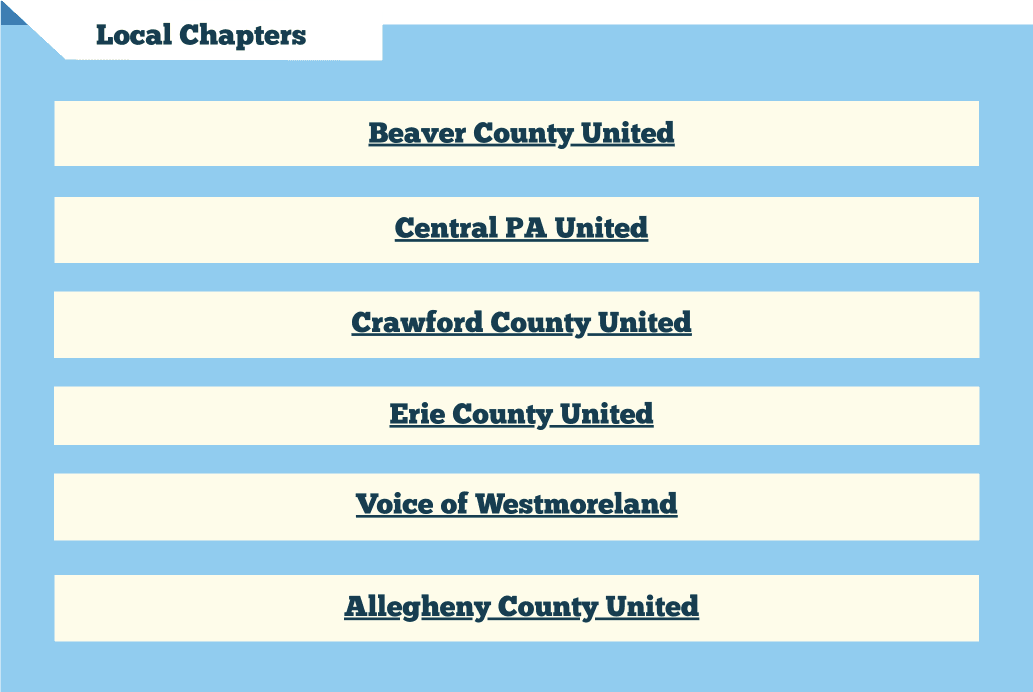
Navigation styles support this metaphor by clearly grouping related content and surfacing priority sections, making it easier for users to understand where information lives and how to access it. Together, these elements create a cohesive visual system that supports learning, exploration, and user confidence while navigating the site.
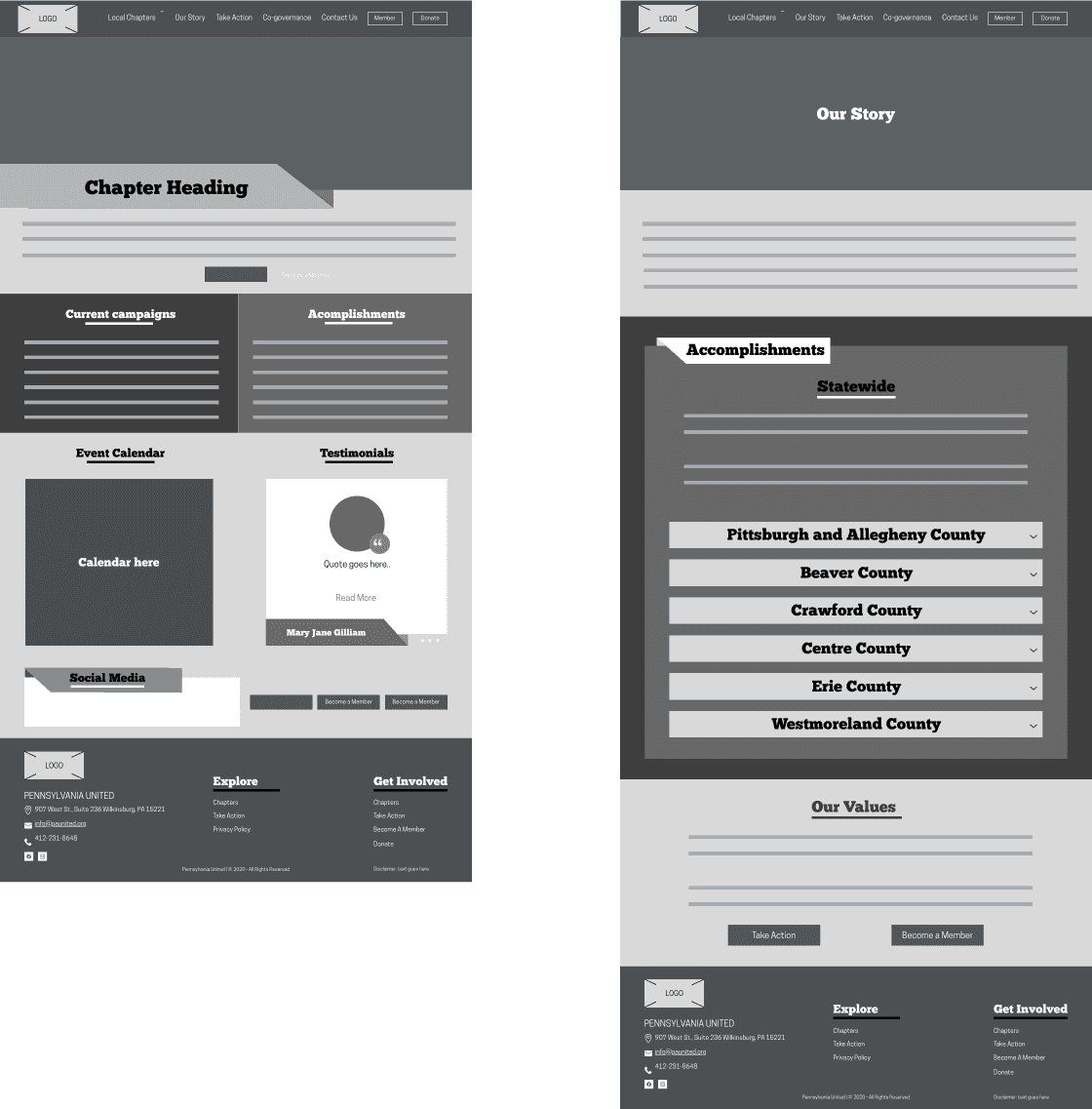
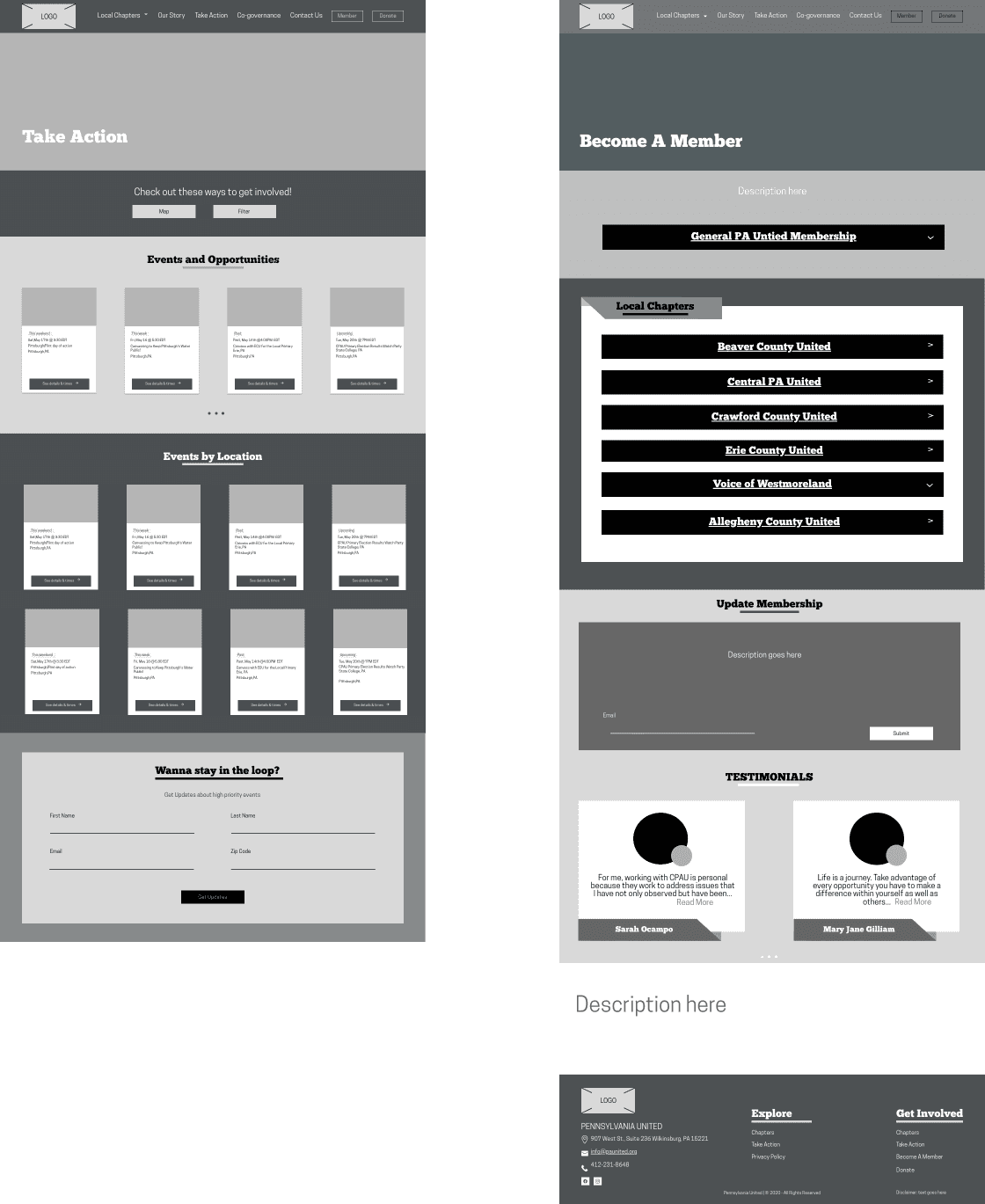
Final Design Overview

The final redesign prioritizes clarity, approachability, and scalability. By pairing a structured navigation system with a learning-oriented visual language, the site supports both first-time visitors and returning members seeking local engagement.

Desktop Screens

Mobile Screens

Reflections & Learnings

What I learned

A design system creates clarity beyond individual screens

This project was my first time creating a formal design system, and it fundamentally changed how I approached the redesign. Establishing shared typography rules, color usage, and reusable components allowed design decisions to scale across pages instead of being solved repeatedly at the screen level.

The system helped ensure visual consistency while making the site easier to maintain and expand over time.

Design systems reinforce interaction metaphors

The folder-inspired UI language became stronger once it was codified in the design system. By defining how cards, buttons, and navigation elements should behave and appear, the metaphor shifted from a visual idea to a repeatable pattern that supported learning, exploration, and content organization throughout the site.

Systems thinking improves collaboration and handoff

Documenting components, hierarchy, and usage guidelines clarified design intent and reduced ambiguity for future contributors. This experience helped me understand how design systems function not just as visual references, but as communication tools between designers, developers, and stakeholders.

Key Takeaway

Building a design system for the first time shifted my focus from designing individual screens to designing reusable, scalable solutions—an approach that strengthened both the usability and longevity of the site.